-1.jpg?width=400&height=46&name=GHS_Primary_Logo_Landscape_Full_Colour%20(1)-1.jpg)
1. Login to your Account/Enterprise web portal
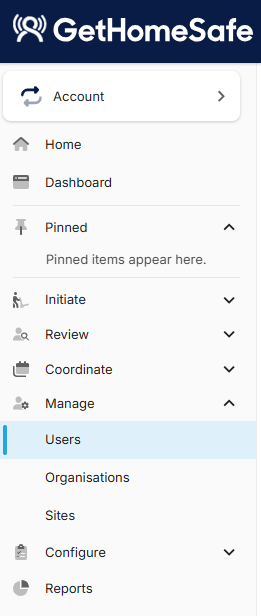
2. Head to "Manage" in the left hand menu and "Select Users"
Users Menu
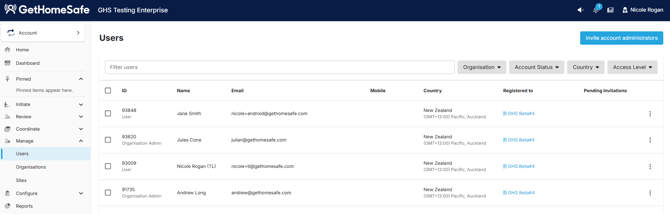
You can filter users by using the search bar, organisation, account status, country and access level.
You can also invite users using the blue "Invite Users" button. For more information on inviting users take a look at this article: Inviting New Users
Select the three dots to the side to perform the following actions:- Resetting password
- Deleting the user
Invite Account Administrators
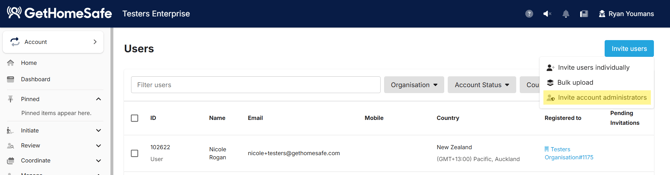
You can invite other account administrators to your account through the user menu and selecting by clicking Invite Users and then Invite account administrators
User details
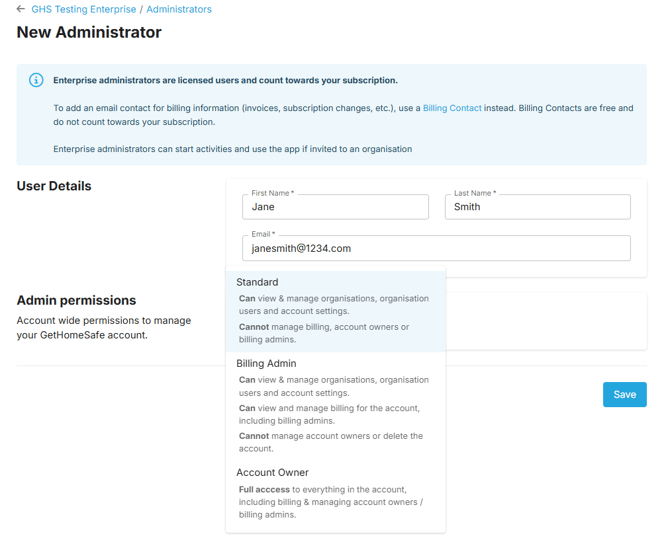
Enter First Name, Last Name and the Administrators email address
Assign admin permissions
In GetHomeSafe there are three levels of account permissions:
1. Standard
Admins can view & manage organisations, organisation users and account settings
2. Billing admin
Admins can view & manage organisations, organisation users and account settings.
Admins can view & manage billing for the account including billing admins
3. Account Owner
Full access to everything in the account including billing and managing account owners/billing admin